
 EN
EN
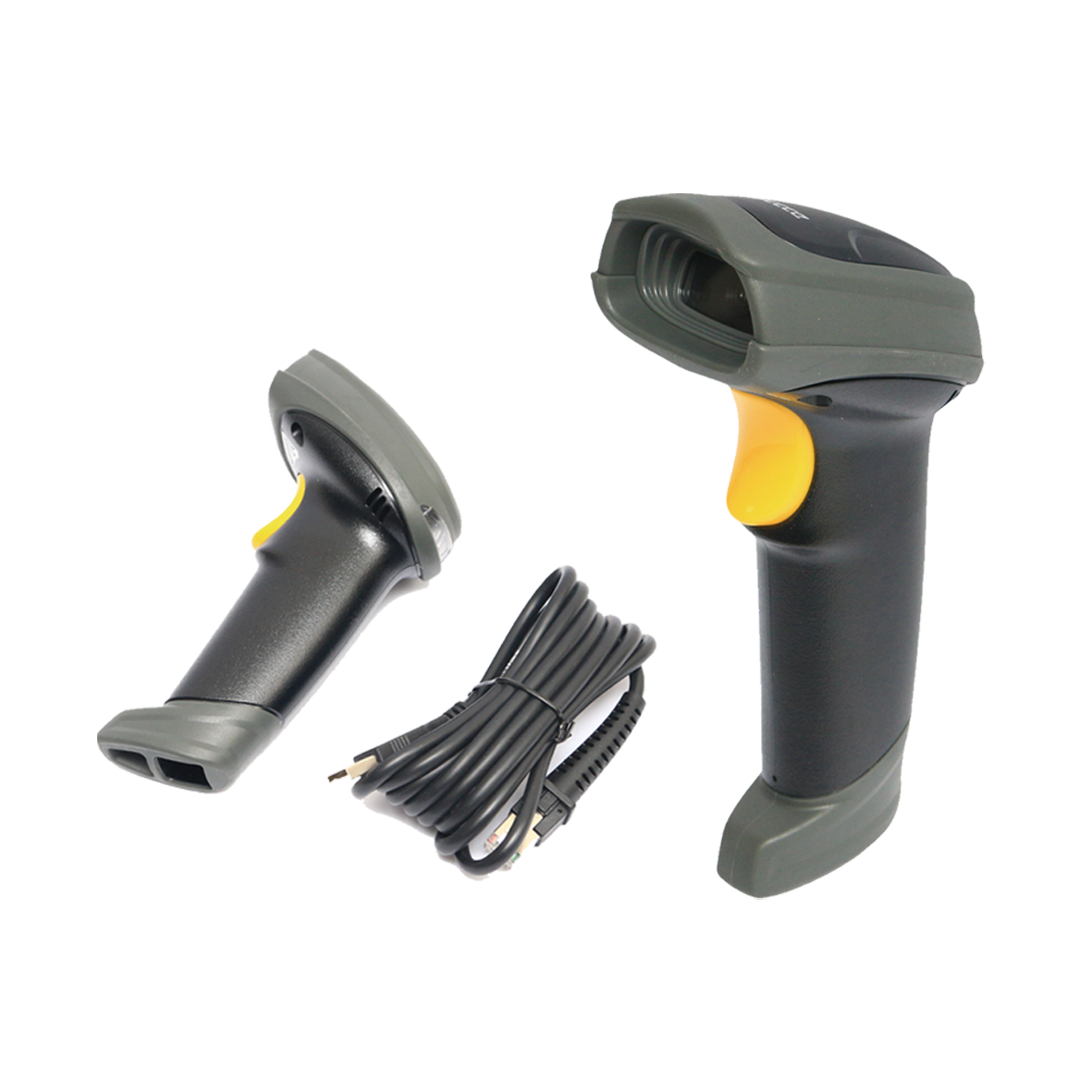
Choosing a barcode scanner for a warehouse is an operational decision that affects every single person on your floor, every single day. A bad hardware choice can lead to dropped connections, unreadable labels, and costly mis-picks—costing thousands in delayed productivity.
Here is a comprehensive guide to evaluating and selecting the right barcode scanning hardware for your warehouse operations.
1. Map Your Warehouse Environment and Workflow
Before reviewing spec sheets, analyze where and how your team actually works. The physical environment dictates the ideal scanner form factor:
-
Fixed Workstations (Receiving & Packing):
-
Best Fit: Wired USB Scanners.
-
Advantages: Plug-and-play setup, lower cost, no battery constraints, and zero signal drops.
-
-
Mobile Operators (Aisle Picking & Putaway):
-
Best Fit: Wireless / Bluetooth Handheld Scanners or Mobile Industrial PDAs.
-
Advantages: Unfettered movement through aisles and flexibility to scan heavy or awkward items.
-
-
High-Velocity Hands-Free Environments:
-
Best Fit: Wearable Ring Scanners paired with wrist-mounted mobile computers.
-
Advantages: Eliminates the need to repeatedly pick up and set down a scanner, reducing muscle strain and increasing pick speeds.
-
2. Decode Your Barcode Symbology (1D vs. 2D)
Different scanners utilize different reading technologies. Purchasing the wrong scanner type for your barcode format can stop an operation in its tracks.
| Barcode Type | Common Formats | Ideal Scanner Technology | Best Used For |
| 1D (Linear) | UPC, EAN, Code 128 | Laser Scanners / Linear Imagers | Standard product labeling, basic inventory tracking. |
| 2D (Matrix) | QR Code, Data Matrix, GS1-128 | 2D Array Imagers | High-density data storage (batch numbers, expiration dates, serial numbers). |
Key Takeaway: If your operation plans to use or currently receives 2D barcodes, standard laser scanners will not work. Invest in a 2D Area Imager, which offers backward compatibility with 1D codes while supporting advanced matrix formats.
3. Account for Scan Range and Label Condition
Distance and label quality dictate the optical engine required for your devices:
Scan Range Requirements
-
Standard-Range (SR): Suitable for arm's-length scanning (0 to 3 feet) on pick lines and packing benches.
-
Extended-Range (ER): Essential for forklift drivers and high-rack storage environments, capable of reading labels from 20 to 50+ feet away.
Handling Damaged or Smudged Labels
In real-world warehouses, labels often get creased, dirty, faded, or shrink-wrapped. Advanced 2D imagers utilize digital imaging algorithms to reconstruct damaged barcodes, significantly reducing rescans and boosting scanning speed by up to 45% over older laser models.
4. Prioritize Industrial Durability and Connectivity
Warehouse devices take a beating. Evaluating durability ratings upfront prevents recurring hardware replacement costs.
Key Durability Metrics
-
Ingress Protection (IP) Rating:
-
IP65: Fully dust-tight and protected against water jets.
-
IP67: Dust-tight and protected against temporary liquid immersion.
-
-
Drop Specification: Look for devices rated to withstand multiple 8-foot to 10-foot drops to concrete.
Wireless & Network Considerations
-
Wi-Fi Coverage: Ensure seamless roaming across metal-racked aisles.
-
Cellular Support: Necessary for remote sites, loading docks, or outdoor staging yards.
-
Battery Life: Select devices offering hot-swappable batteries or shift-long battery life (12+ hours) to avoid downtime mid-shift.
5. Ensure Seamless Software Integration
A scanner must effectively communicate with your core operational systems to deliver value.
-
WMS & ERP Compatibility: Ensure hardware supports standard mobile OS environments (such as Android Enterprise) and offers developer SDKs for smooth integration with your Warehouse Management System.
-
End-to-End Traceability: Modern solutions often integrate barcode, RFID, and automated tracking to provide real-time inventory visibility from receiving to final dispatch.
Conclusion: Matching Device to Workflow
Choosing the right barcode scanner isn't about picking the most expensive or the cheapest option—it is about matching the device to your physical environment, barcode types, workflows, and software stack. Testing hardware directly on your floor before committing to a full deployment guarantees long-term reliability and operational efficiency.